Trezor Safe 7 Review: Open Hardware With a Colour Screen, Against the Ledger Flex
Trezor's $249 flagship adds a touchscreen, Bluetooth, Qi2 charging and a second secure element. We compare it with the Ledger Flex on openness, security claims and daily use.
The verdict
The Safe 7 is the most credible open-design hardware wallet you can buy at $249. Two secure elements, a colour touchscreen and post-quantum firmware signing set it apart. It beats the Ledger Flex for people who value auditable parts and published code, but it loses for anyone who wants the broadest app ecosystem or a closed, certified-only design.
Best for Self-custody users who value open, auditable hardware
Pros
- Two secure elements: auditable TROPIC01 plus an EAL6+ Optiga chip
- 2.5-inch colour touchscreen is easier to confirm on than small mono panels
- Firmware updates are secured with post-quantum cryptography
- Qi2 wireless charging and a LiFePO4 battery rated for more cycles
Cons
- At $249 it costs the same as the Ledger Flex, with a smaller ecosystem
- Bluetooth adds an attack surface that USB-only users may not want
- Trezor does not list an exact supported-coin count, only thousands
- Mobile support depends on Trezor Suite updates still arriving
The choice at $249 is not between a good wallet and a bad one. It is between two philosophies. The Ledger Flex asks you to trust a certified closed chip and a polished ecosystem. The Trezor Safe 7 asks you to trust parts and code you can inspect. If that sentence made you lean one way already, you probably have your answer.
What Trezor changed this time
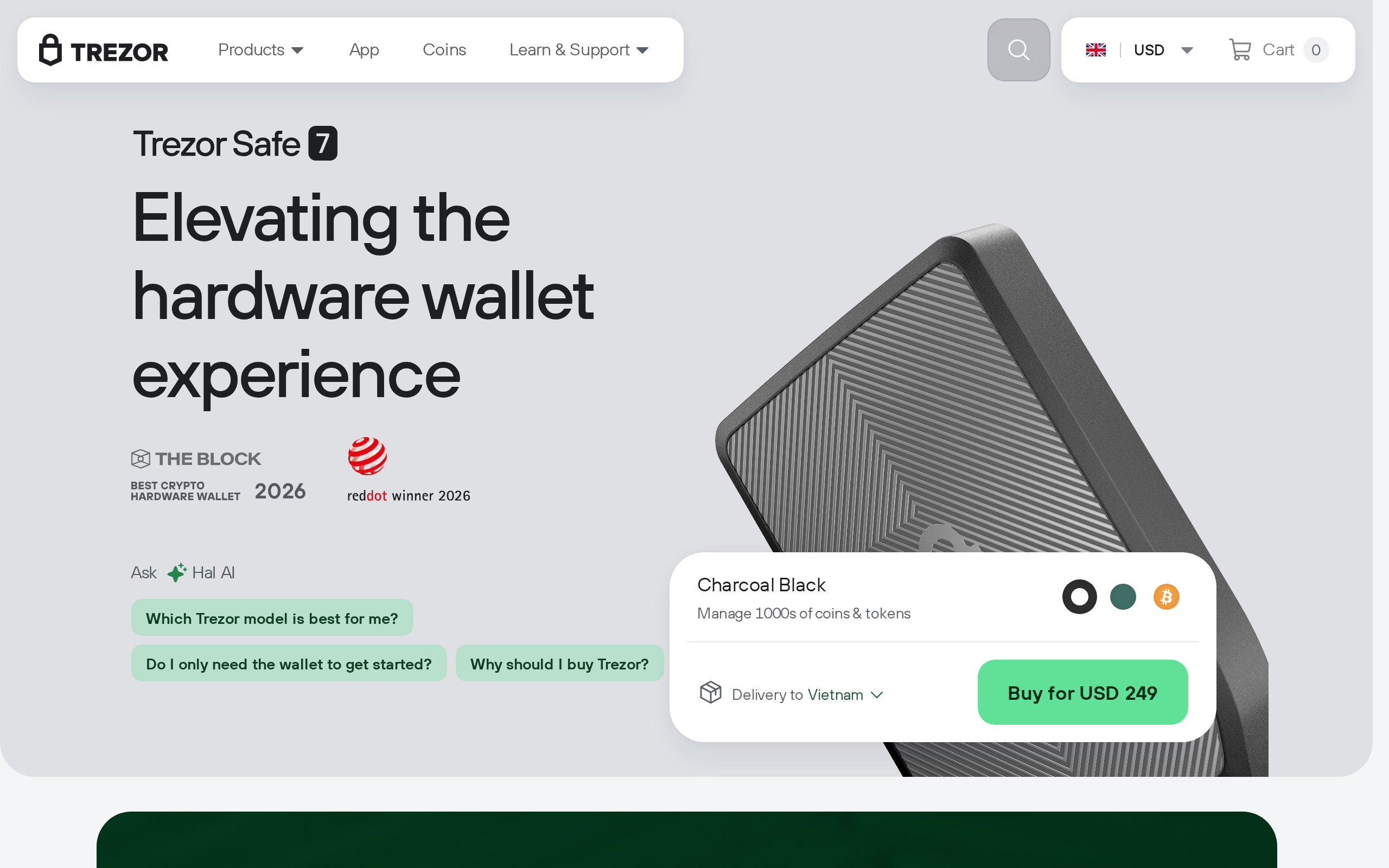
Earlier Trezors were plain, small and wired. The Safe 7 is a different object, and the official page lists the changes: a 2.5-inch colour touchscreen at 520 x 380, Bluetooth 5.0+, Qi2 wireless charging, an aluminium unibody with Gorilla Glass 3, and an IP54 rating. It weighs 45 g and measures 75.4 x 44.5 x 8.3 mm, so it sits easily in a pocket.
The battery is a LiFePO4 cell, 3.2V and 330mAh, which Trezor says handles four times the charging cycles of a standard lithium cell. We cannot verify that figure, but the choice of chemistry makes sense for a device that may sit in a drawer for months.
Two chips, one of them open
The headline feature is the pairing of a TROPIC01 element with an EAL6+ Optiga chip. TROPIC01 is described by Trezor as fully auditable, so outsiders can examine how it protects secrets. The Optiga is the conventional certified part. Per independent write-ups, the seed is protected by keys held across both, so an attacker would need to defeat both.
Firmware updates are signed with post-quantum cryptography. This does not make your coins quantum-proof, and no one should claim that. It means the update channel is hardened against a future class of attack.
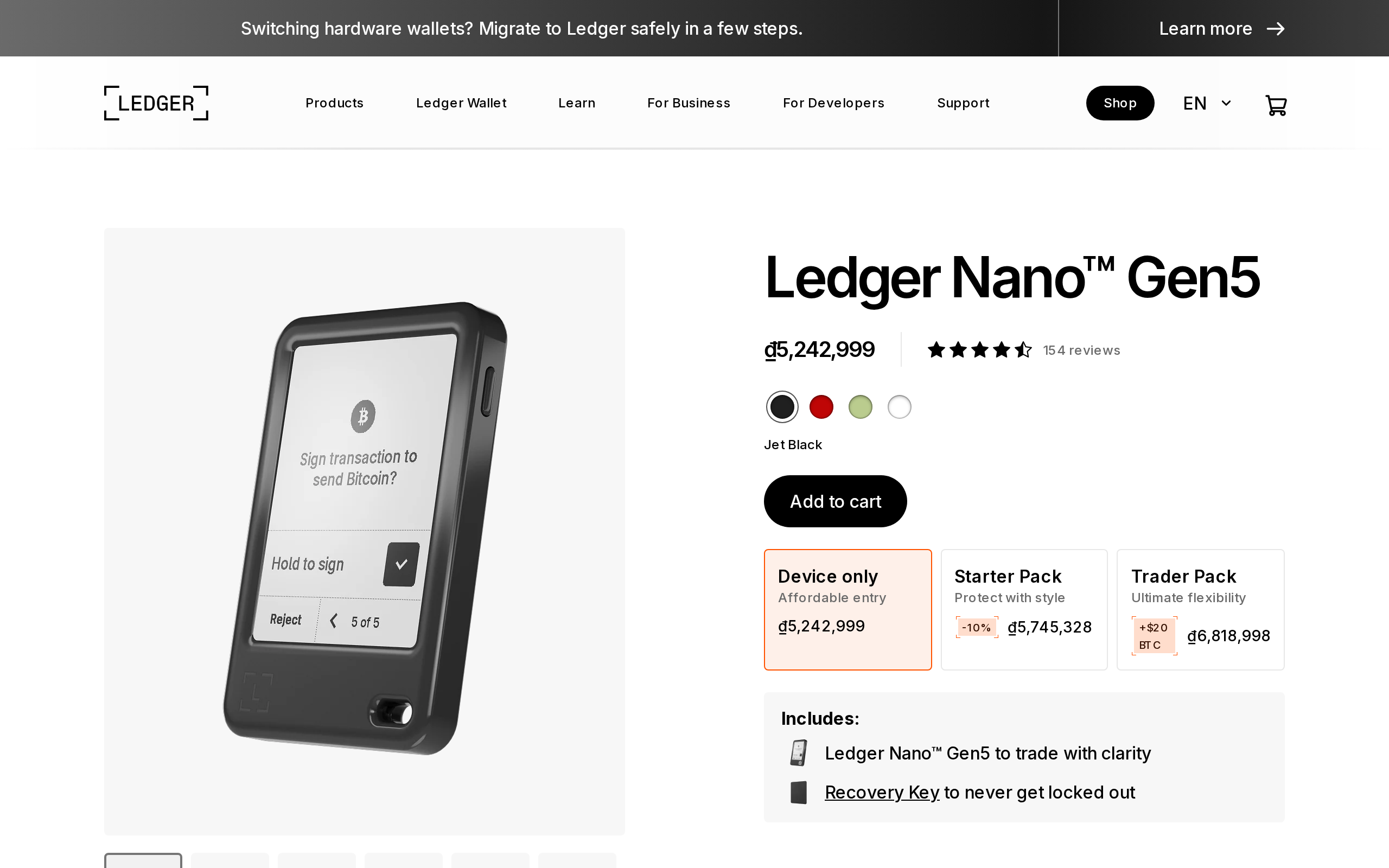
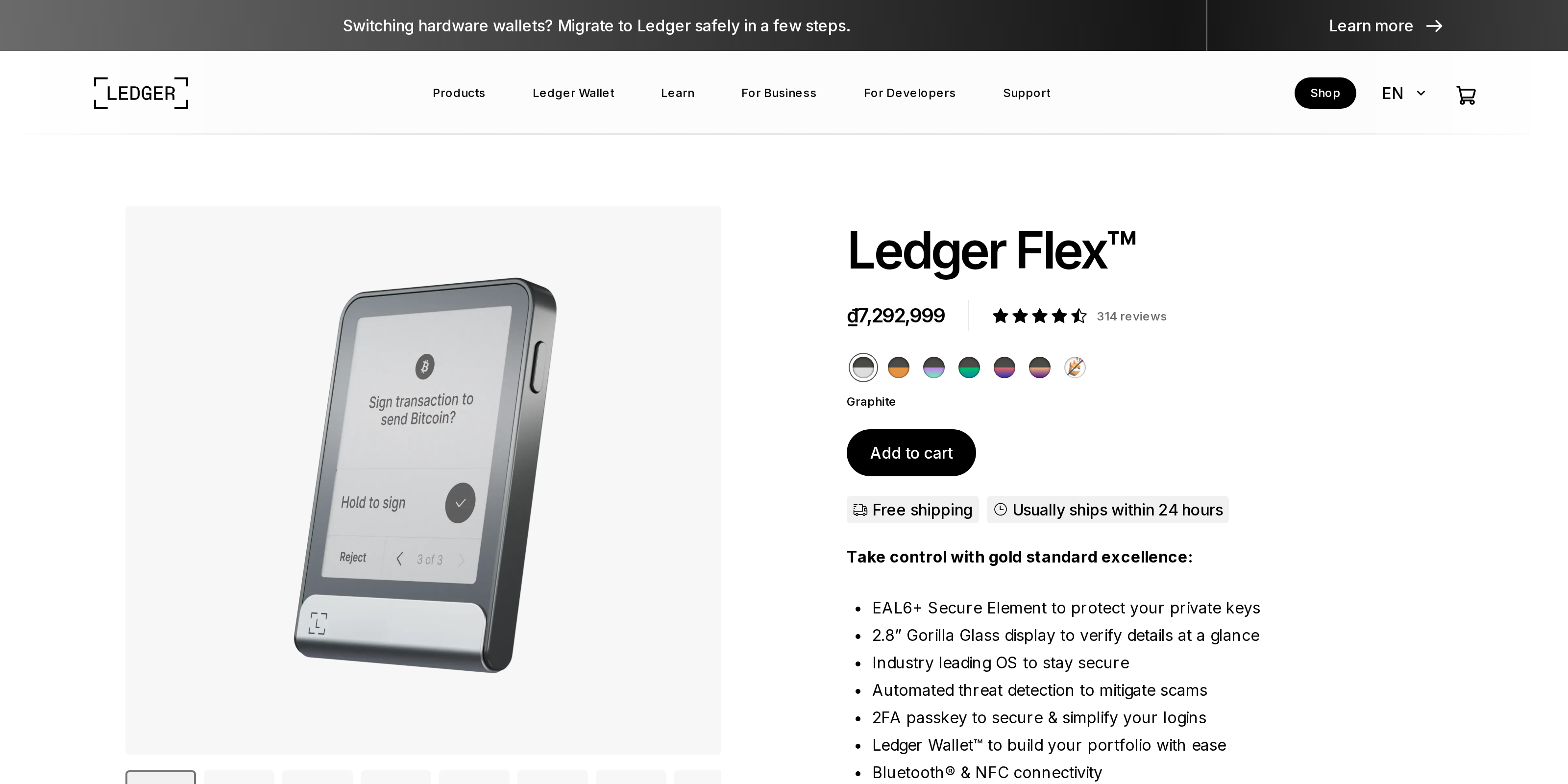
Compare that with the Ledger Flex, which advertises a single EAL6+ Secure Element and a closed operating system. The certification is real and respected. What you cannot do is read all of the code. Which risk bothers you more, a bug nobody can see or a part nobody has certified to that level, is a judgement call, and a fair one either way.
Touchscreen and daily use
A colour touchscreen matters more than it sounds. You verify every address and amount on the device, and a bigger, clearer panel makes mistakes less likely. Typing a passphrase on glass is faster than on a button-only unit, though some people prefer physical buttons for exactly that task.
The software side runs through Trezor Suite, a desktop and web app for managing accounts, sending, receiving and updating firmware.
Bluetooth is optional, and we would treat it that way. Trezor encrypts the link using its open Host Protocol, and the radio does not carry your keys. Still, a USB-only habit removes one category of worry, and you lose little. Mobile use depends on Suite updates, which commentators describe as still maturing.
How it sits in the lineup
Trezor sells cheaper siblings too, and the comparison page shows them: the Safe 7, the Safe 5 and the Safe 3.
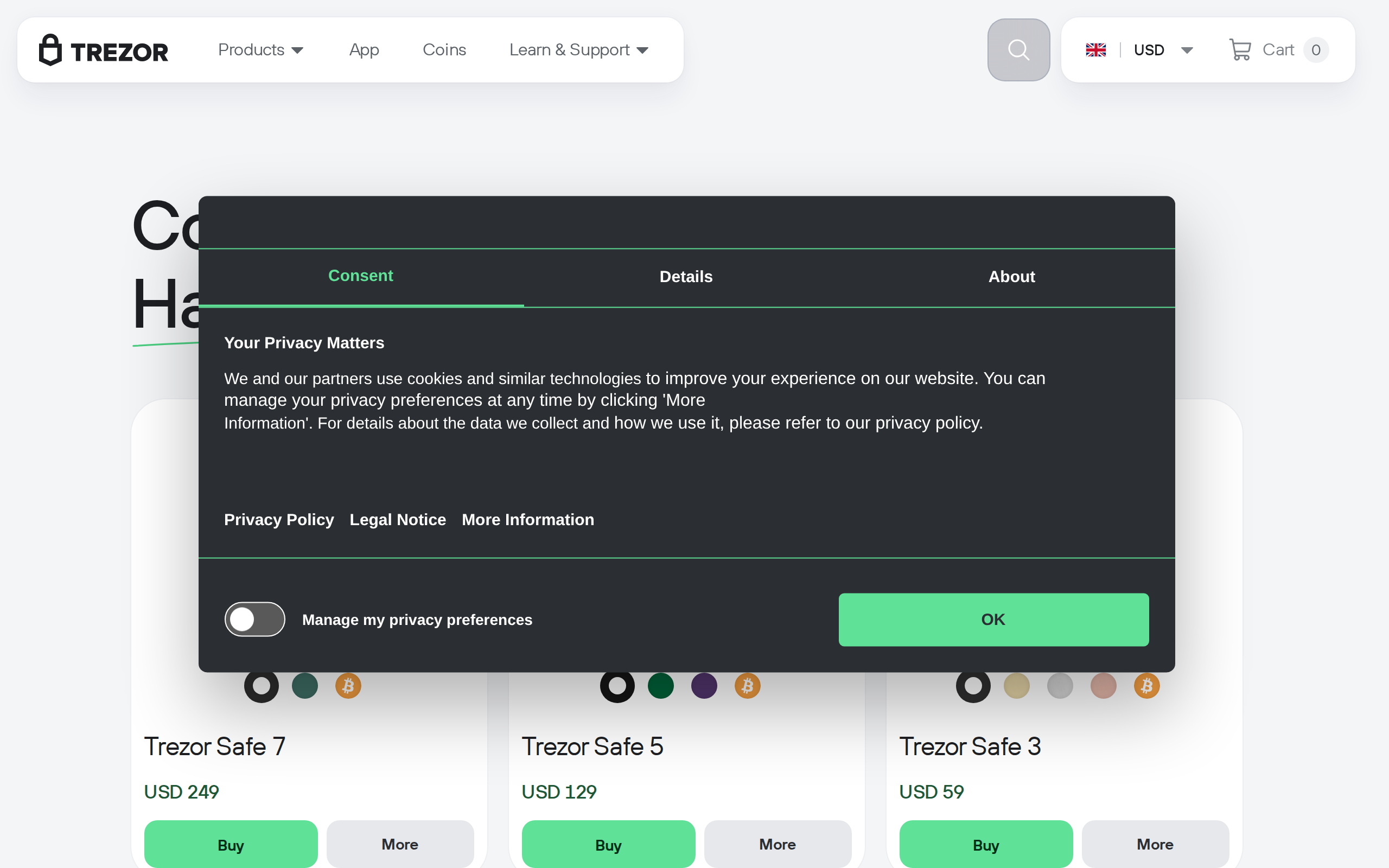
If you only want a secure cold wallet, the cheaper models do the core job. The extra money buys the display, wireless features and the second chip. That is a fair trade for someone holding a meaningful balance and reluctant to compromise, and wasted money for a small stash.
Where it falls short
Ecosystem is the weak point, and it is the first thing we would test against your own holdings. Before buying, list every chain and token you own and check each one against Trezor Suite and the third-party wallets you rely on, because a coin that needs a workaround is a daily annoyance. Trezor says it supports thousands of coins and tokens but gives no exact number, which makes comparison awkward. Ledger's app catalogue and partner integrations remain broader, and many wallets and DeFi tools simply work with Ledger first.
There is also the old rule: a hardware wallet protects keys, not judgement. Phishing sites, fake support and bad seed storage cause more losses than chip attacks do. Buy only from the maker, check the packaging, and write the recovery seed on paper stored away from the device.
Verdict
For a buyer who values transparency, the Safe 7 is the better $249 choice. For a buyer who wants the widest compatibility and a certified closed chip, the Flex still has a case. This is a product comparison, not advice on how to store your assets, and you should size your security to your own holdings.
Specifications
- Price
- $249
- Display
- 2.5-inch colour touchscreen, 520 x 380
- Secure elements
- TROPIC01 (auditable) plus EAL6+ Optiga
- Wireless
- Bluetooth 5.0+, Trezor Host Protocol
- Charging
- Qi2 wireless, USB-C cable included
- Battery
- LiFePO4, 3.2V 330mAh
- Build
- Anodized aluminium, Gorilla Glass 3, IP54
- Size and weight
- 75.4 x 44.5 x 8.3 mm, 45 g
As published by Trezor when we tested it.