Ledger Flex Review: Is an E Ink Touchscreen Worth $100 More Than a Nano X?
The Flex puts a 2.8-inch E Ink touchscreen on Ledger's EAL6+ secure element for $249. We compared it with the $149 Nano X to see where the extra money actually goes.
The verdict
The Flex is the Ledger most people should buy if they sign more than the odd transaction. The large, readable E Ink touchscreen makes it far easier to check addresses and contract data than the Nano X, which is where hardware wallets protect you. If you only hold and rarely move coins, the cheaper models do the same security job for $100 less.
Best for Regular DeFi and NFT users who want a bigger screen
Pros
- 2.8-inch E Ink touchscreen shows full addresses and transaction details clearly
- CC EAL6+ ST33K1M5 secure element, same security tier as the Stax
- USB-C, Bluetooth 5.2 and NFC cover phone and desktop use
- Compact at 57.5 g, and E Ink only draws power when the picture changes
Cons
- $249 is $100 above the Nano X, and the secure element is not any stronger
- Ledger's closed-source firmware and the 2023 Recover controversy still bother some owners
- Grayscale E Ink refreshes slowly, so scrolling long contract data feels laggy
- No wireless charging and no protective case, both of which the Stax includes
A hardware wallet earns its keep in one moment: when it asks you to confirm what you are signing. Everything else, from the coin list to the case, is packaging. The Ledger Flex is built around that moment, and the question for a buyer is whether a bigger screen is worth $100 on top of the $149 Nano X.
For anyone who signs transactions regularly, we think it is. For anyone who buys once and holds, it is not.
The screen is the whole argument
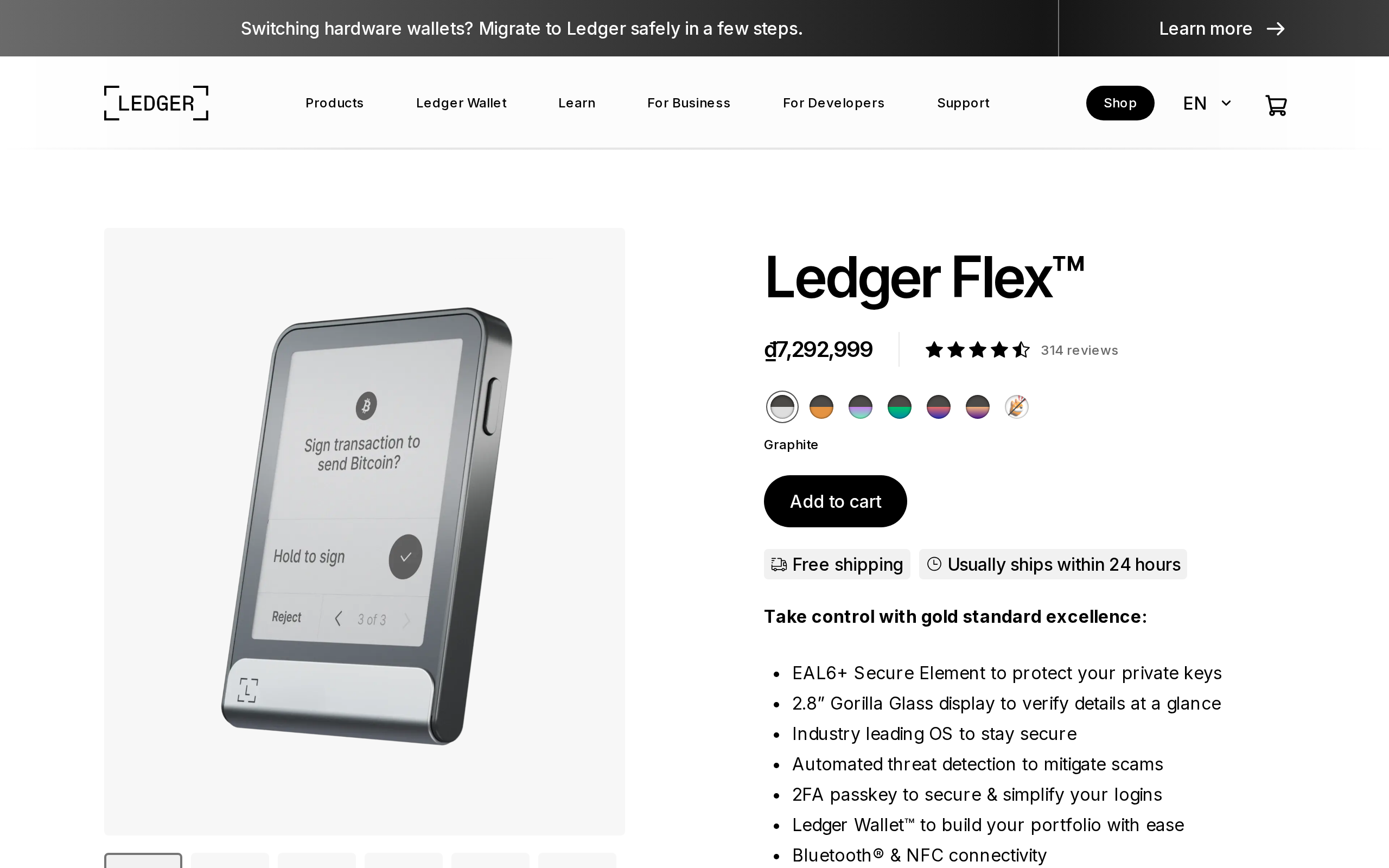
The Nano X shows a few words at a time on a tiny OLED, so you press buttons to scroll through an address in fragments. The Flex has a 2.8-inch E Ink touchscreen at 480 by 600 pixels, with sixteen shades of gray. A full Ethereum address fits on screen, and so do the main lines of a typical swap or approval.
That matters because the common attack is not a broken chip. It is a malicious site that shows you one thing on your computer and asks the wallet to sign another. The only defense is reading the device screen, and people read what is easy to read.
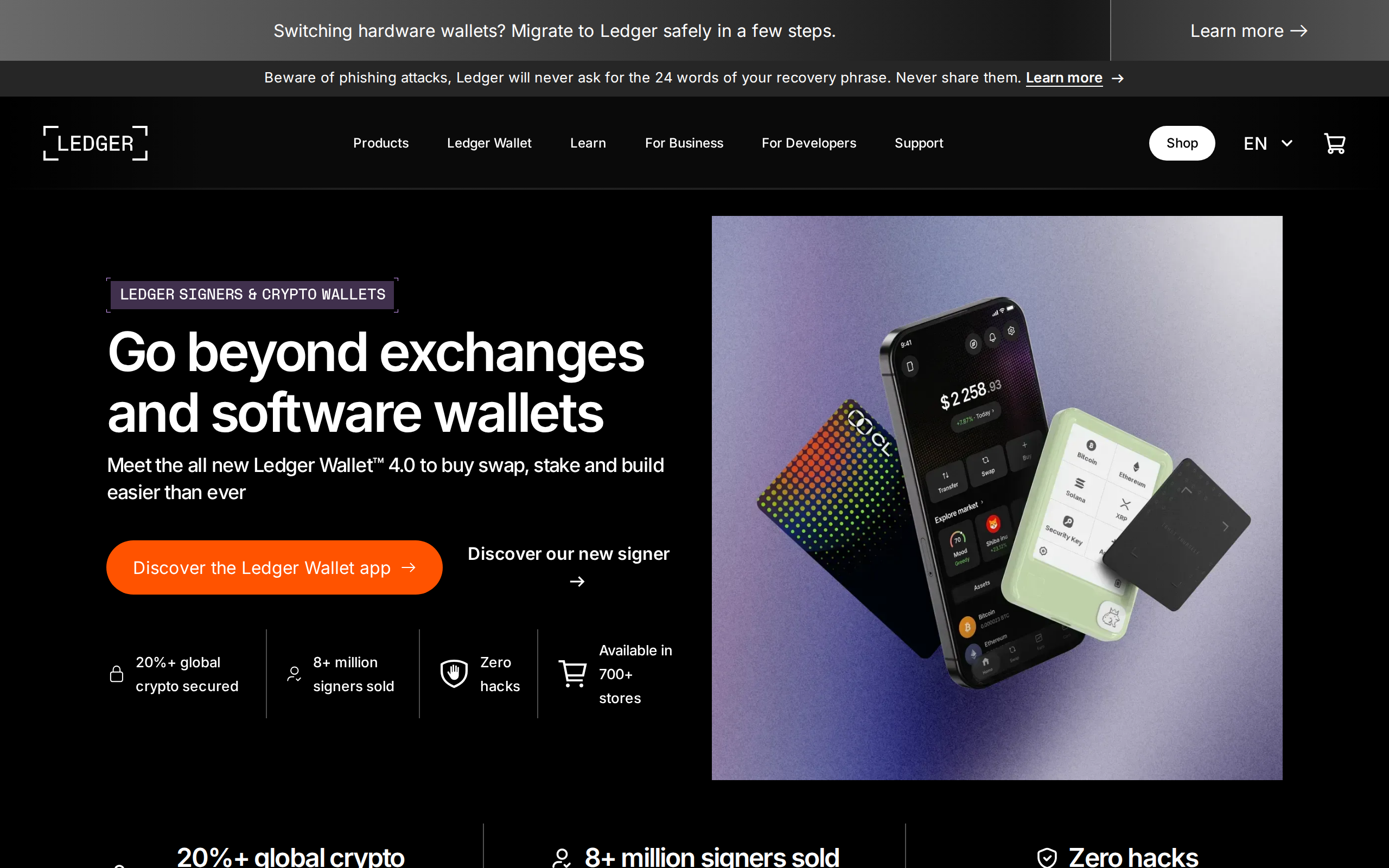
E Ink has a cost. Refresh is slow compared with a phone display, and long contract data can feel sluggish to scroll. It also draws power only when the image changes, which helps a battery that Ledger rates at about 10 hours of use. Think of it as a Kindle, not a tablet.
Same security core as the dearer Stax
The Flex uses the ST33K1M5 secure element, certified to Common Criteria EAL6+. That is the same security tier as Ledger's premium Stax, so the extra spend over a Nano is for the interface, not for stronger key storage. Connectivity covers USB-C, Bluetooth 5.2 and NFC, and the device weighs 57.5 grams at 78.4 by 56.5 by 7.7 millimetres.
Where the Stax adds to this is wireless charging and a protective case, and it costs $399. The Flex has neither, which Coin Bureau names among its drawbacks in a review that scores the device 4.6 out of 5.
The software side: Ledger Wallet and the trust question
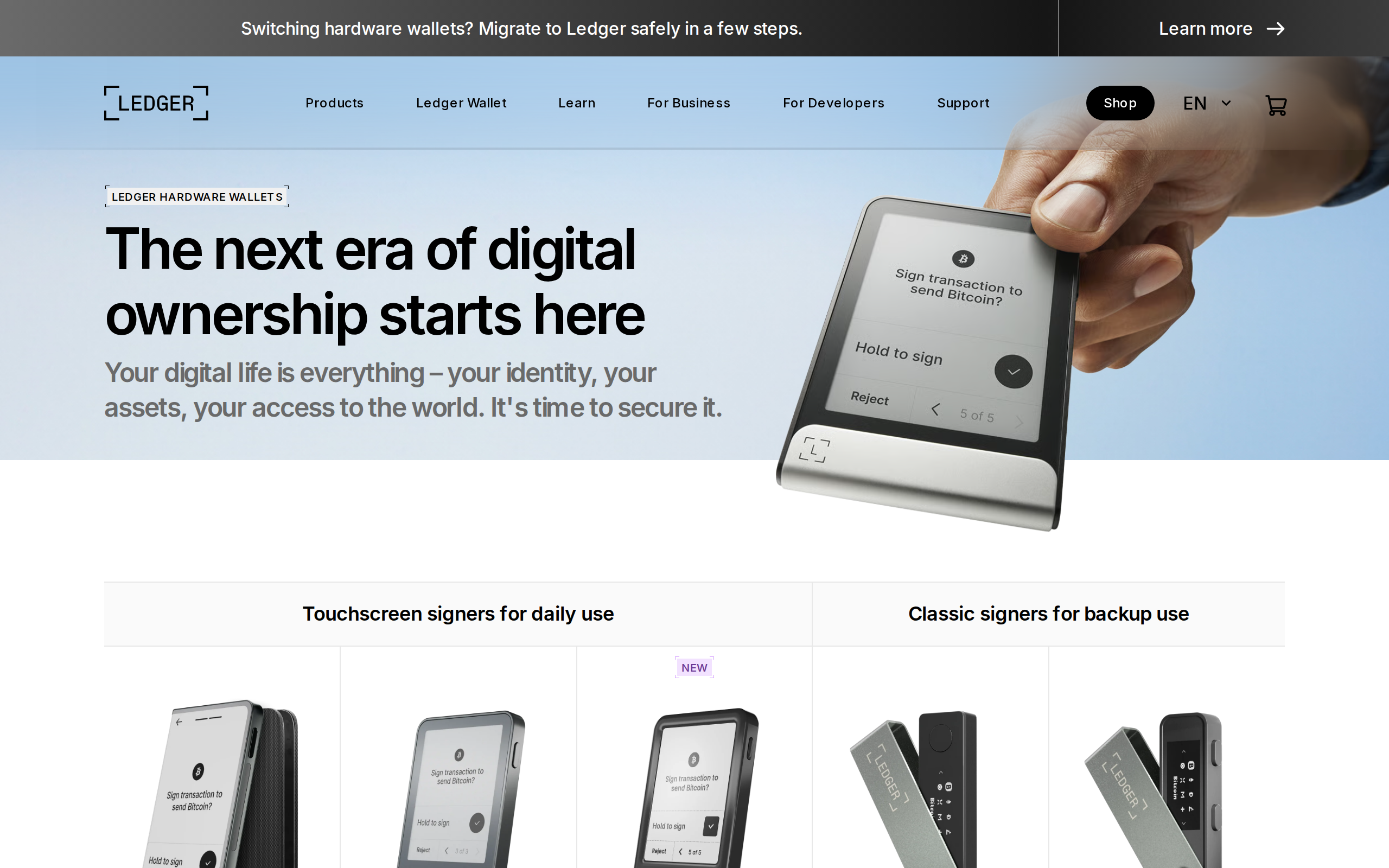
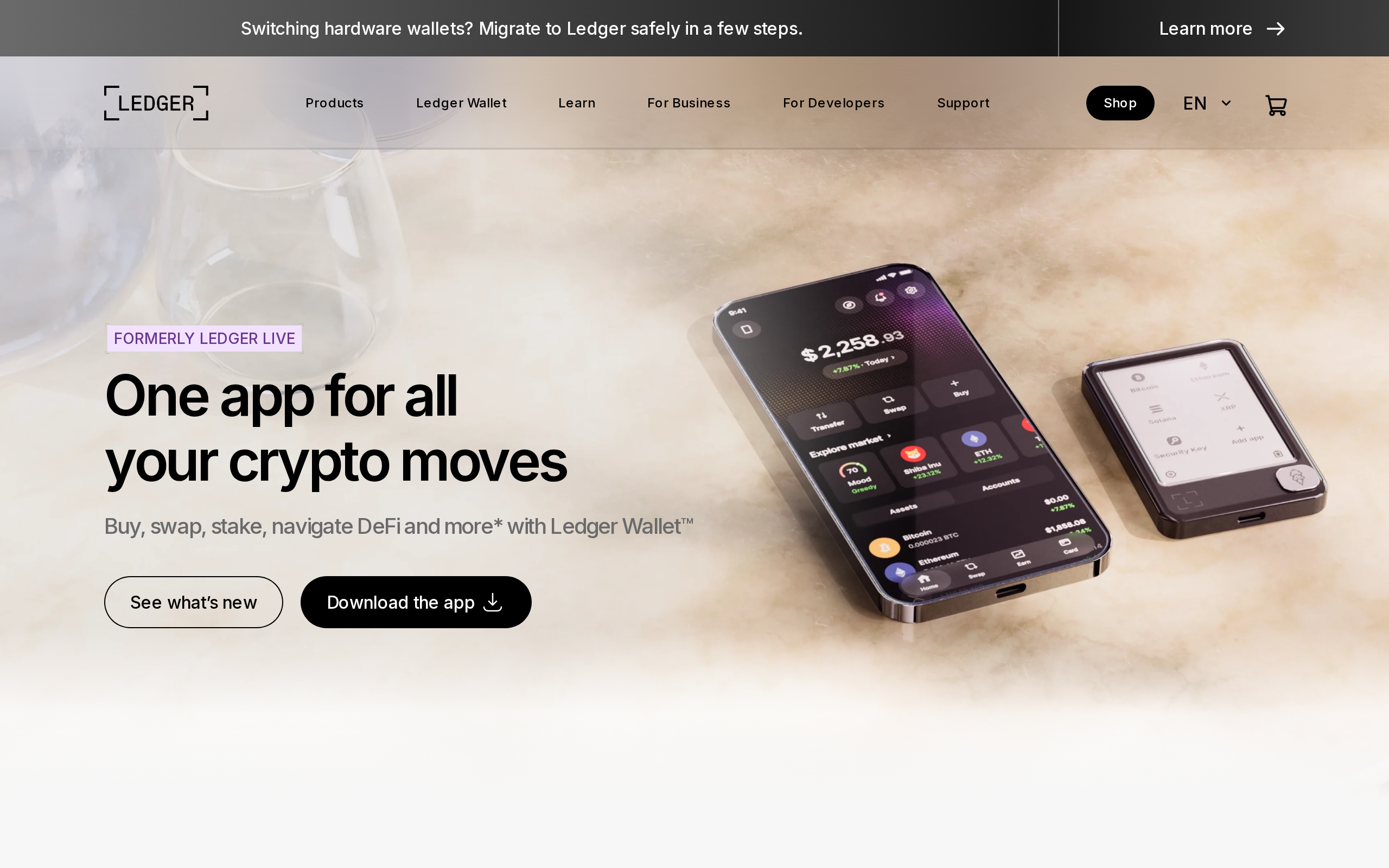
Day to day you use the Flex through Ledger's app, which Ledger now calls Ledger Wallet. It supports more than 500 coins and tokens directly, and thousands more through third-party wallets such as MetaMask or Rabby that talk to the device.
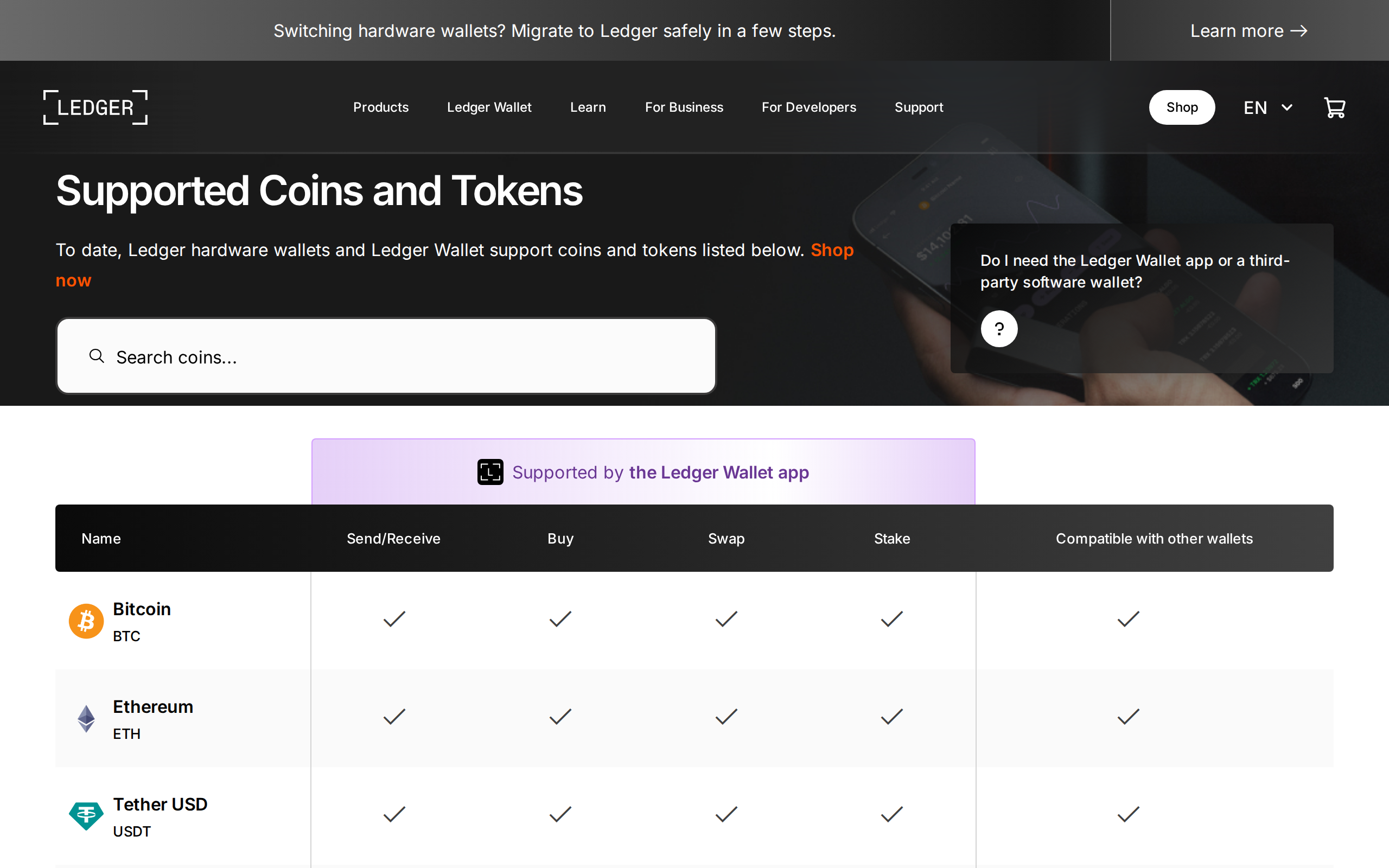
Check that list for your specific chains before paying. A device that cannot hold your asset natively is a bad purchase at any price.
Ledger has also carried baggage that rivals like Trezor do not. The 2020 marketing-database leak exposed customer contact details and fed phishing for years. The 2023 Recover feature, which can split an encrypted copy of your seed across third parties, was optional but angered owners who had been told the seed could never leave the device. The firmware is not fully open source either. None of that breaks the secure element, but it is a reason some experienced users go elsewhere.
What setup and daily use look like
Setup follows the standard Ledger path: you pick a PIN on the device, and it generates 24 recovery words that you copy onto the supplied card. The words never touch the phone or computer. After that you pair over Bluetooth with a phone or plug in by USB-C for a desktop.
The touchscreen makes the PIN and word-check steps less fiddly than the two-button Nano. Approvals are a tap and a hold, which is a small but welcome guard against accidental confirmation. Ledger's Clear Signing work aims to show readable names instead of hex strings for supported apps, and it is the feature that makes a big screen worth having. Support for it varies by protocol, so unfamiliar contracts may still show raw data.
Flex or something cheaper
Buy the Flex if you do on-chain work often, want to verify details comfortably, and like having a phone-friendly Bluetooth device. The screen pays you back each time you sign.
Buy a Nano X if you want the lowest price of the Bluetooth models and will mostly leave coins untouched. Choose a Nano S Plus if you only need a cheap, USB-only device for long-term storage.
Whichever you choose, buy direct from Ledger or an authorised reseller, never a second-hand unit, and write down your recovery phrase offline. A hardware wallet protects you from remote attackers only if the device and the phrase stay in your hands.
Specifications
- Price
- $249 (list price at launch and on Ledger's shop)
- Screen
- 2.8-inch E Ink touchscreen, 480 x 600, 16 grayscale
- Secure element
- ST33K1M5, CC EAL6+
- Connectivity
- USB-C, Bluetooth 5.2 LE, NFC
- Battery
- About 10 hours of autonomy (Ledger spec)
- Size and weight
- 78.4 x 56.5 x 7.7 mm, 57.5 g
- Assets in Ledger Wallet
- 500+ coins and tokens, more via partners
- Cheaper alternative
- Nano X at $149
As published by Ledger when we tested it.