Keystone 3 Pro Review: Is an Air-Gapped QR Wallet Practical Enough for Daily Use?
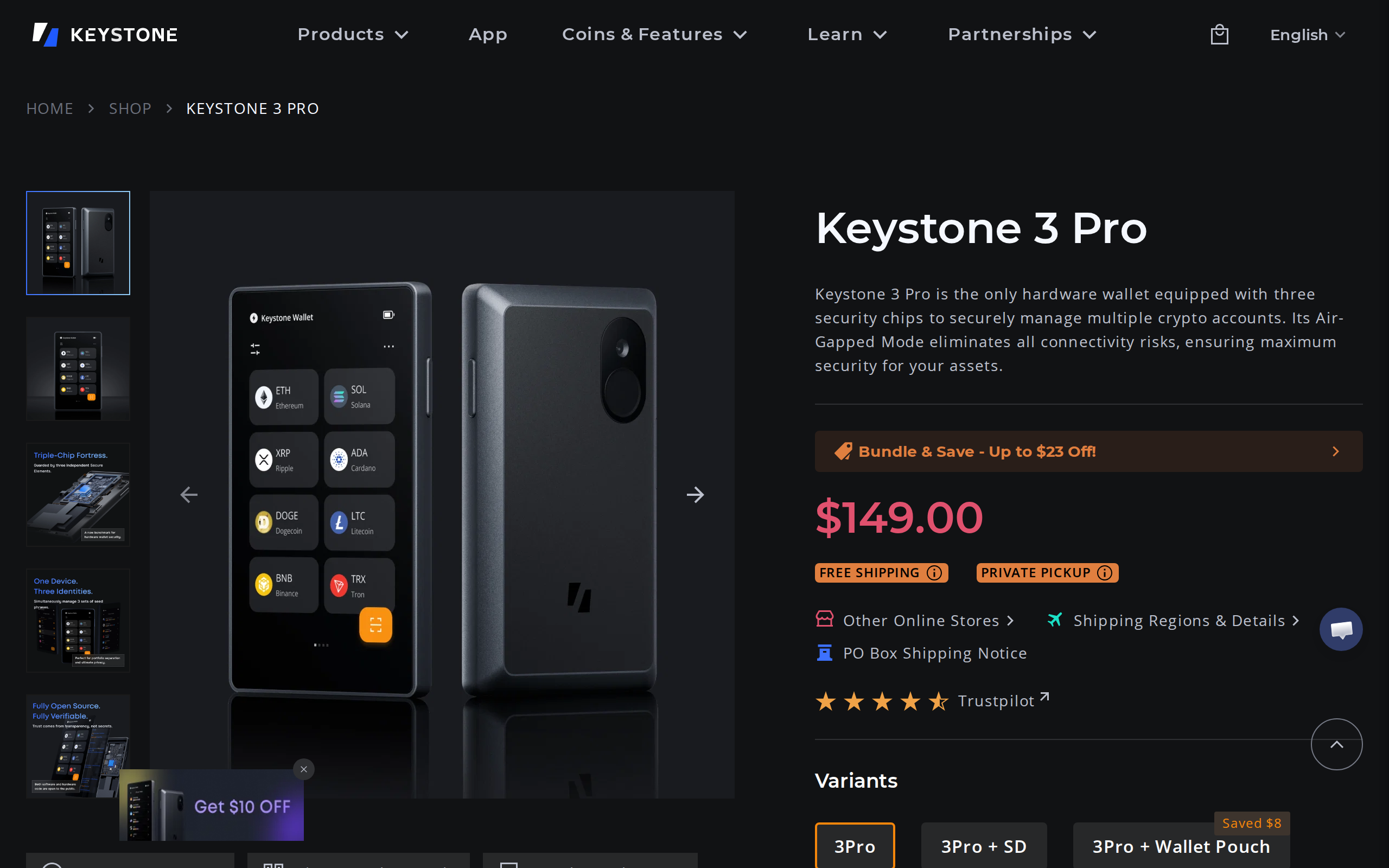
Keystone 3 Pro costs $149 and signs every transaction by QR code, with no USB data, Bluetooth or Wi-Fi. We weighed its three secure elements and 4-inch screen against slower two-scan signing and its trust caveats.
The verdict
Keystone 3 Pro is the strongest case for QR-only signing: no radio, no data cable, three secure elements, a 4-inch touchscreen and a $149 price. The cost is friction, because every transaction takes a two-way scan, and reviewers report occasional failed reads. It is excellent for savings you rarely touch and less pleasant for frequent trading. Partly closed firmware components remain a caveat.
Best for Holders who sign a few transactions a month and want zero wireless exposure
Pros
- Signs only through QR codes and microSD, with no Bluetooth, Wi-Fi or data cable
- Three independent secure elements, with a fingerprint reader and optional passphrase
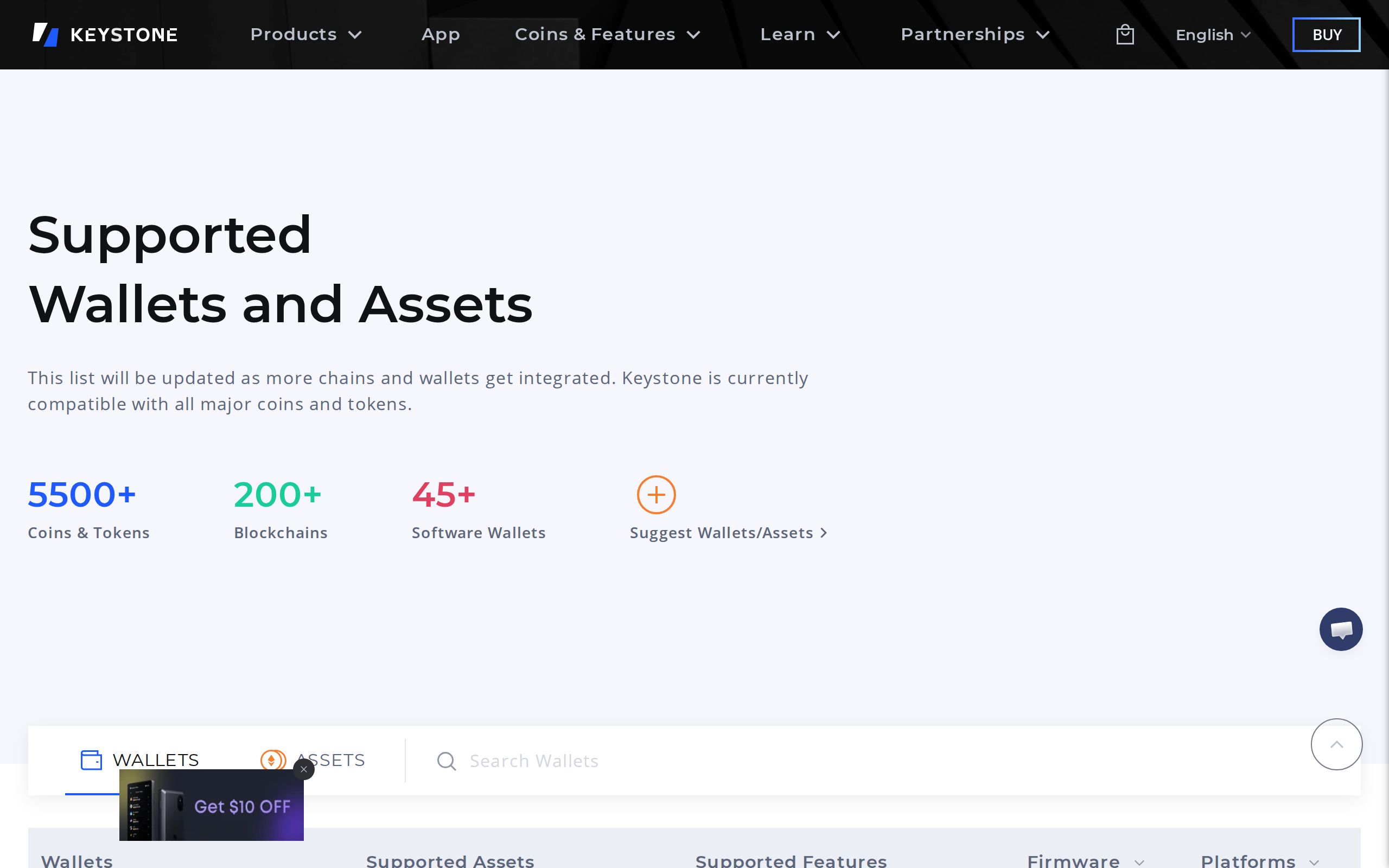
- Works with 45+ software wallets and covers 5,500+ assets, per Keystone
- Shamir backup and multiple seed phrases on one device
Cons
- Two-scan signing is slower than USB or Bluetooth, and scans occasionally fail
- Some firmware libraries ship as pre-compiled binaries, so the build is only partly reproducible
- Runs an Android-based system, a larger attack surface than minimal firmware
- Team is the former Cobo Vault with China origins and manufacturing, which some buyers weigh
The usual hardware wallet argument is about convenience: plug it in, tap approve, done. Keystone argues the opposite. Anything that connects can, in principle, be attacked, so the wallet should never connect at all.
The Keystone 3 Pro has no Bluetooth and no Wi-Fi, and its USB-C port is for charging. Transactions go in and out as QR codes shown on screens, read by cameras. That is what "air-gapped" means in practice, and it is why the question for this review is not whether it is secure, but whether anyone wants to live with it.
How signing feels
You build a transaction in a phone or desktop wallet such as MetaMask. The wallet shows a QR code. The Keystone's camera scans it, shows you the full details on its 4-inch touchscreen, and you confirm with your fingerprint or PIN. Then the Keystone shows a signed QR code, and your wallet app scans that.
Two scans for every action. Keystone also supports a microSD route for larger payloads.
Independent reviewers are consistent about the cost. They report that scanning can be slow at times, that a transaction sometimes fails and needs another go, and that USB wallets such as the Trezor Safe 5 are quicker for frequent use. We agree with the direction of that finding. A QR wallet is a vault door: perfect when you open it twice a month, tiresome when you open it twice a day.
What the three chips buy you
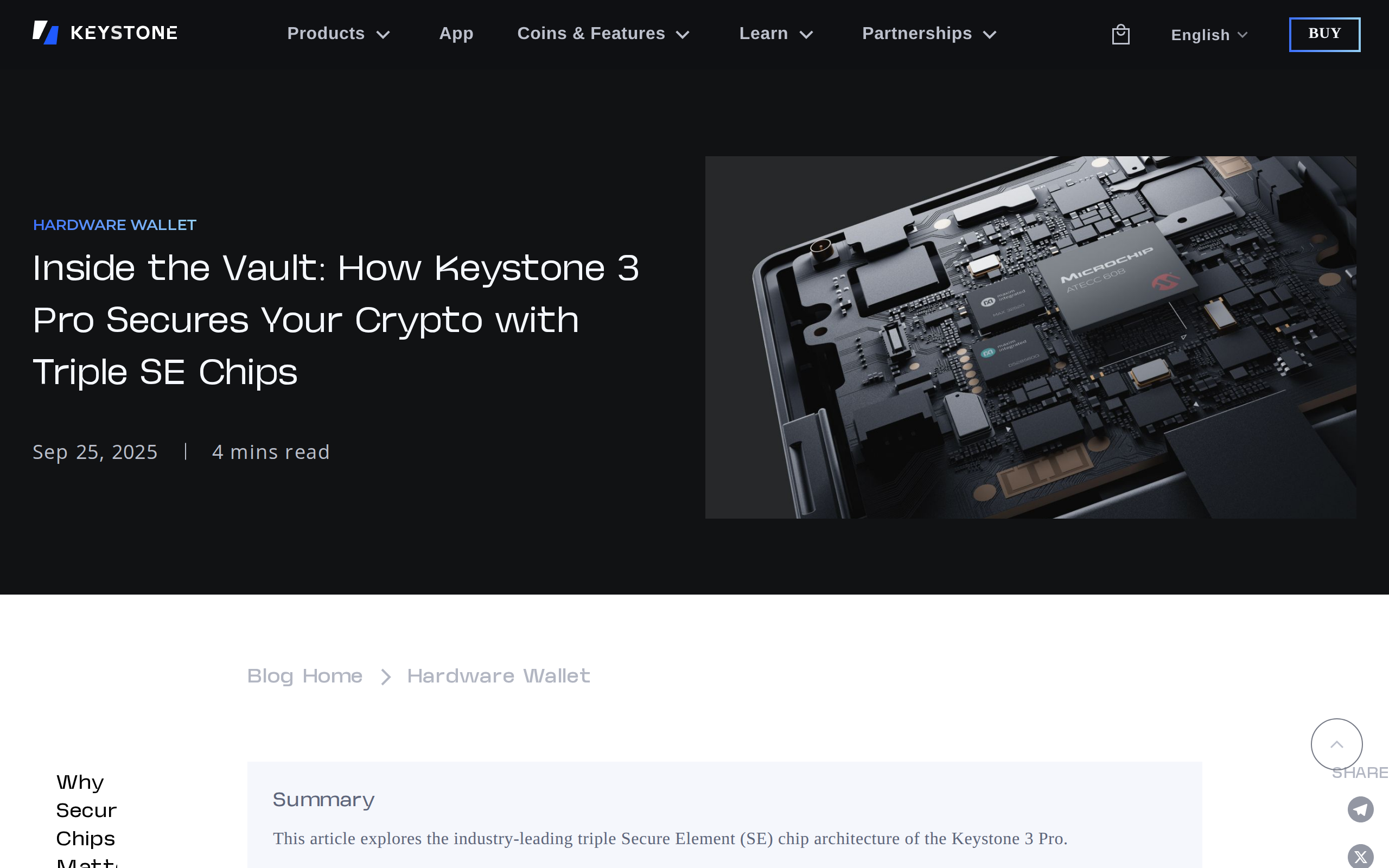
The device carries three independent secure elements for private key storage. Keystone's own article explains the design, so treat the claim as the maker's, and note that it is a defence against a single chip being extracted or attacked.
On top of that: fingerprint unlock, an optional passphrase, Shamir backup (splitting your recovery into shares), support for several seed phrases on one device, and a full transaction display to avoid signing blind. The firmware is open source, and the maker says the hardware is tamper-resistant and wipes data if the case is opened.
The trust caveats
Here the review gets less rosy. A thorough critique from Nuri lists the issues: some firmware libraries, for the MH1903 microcontroller and the QR code stack, ship as pre-compiled binaries because of licensing limits, so the build cannot be fully reproduced. The device runs an Android-based system, which is a larger attack surface than minimal firmware. Keystone was formerly Cobo Vault, a China-founded team, and the devices are made in China.
The same critique notes that an audit found a high-severity tamper-response issue in the self-destruct circuit, reportedly fixed since. We have not checked the fix ourselves.
Weigh these honestly. An air-gap and open code reduce how much you must trust any maker, and Nuri says so. They do not remove it.
Where the air-gap idea comes from
Keystone publishes a plain explanation of why it avoids radios, and it is worth reading before you buy.
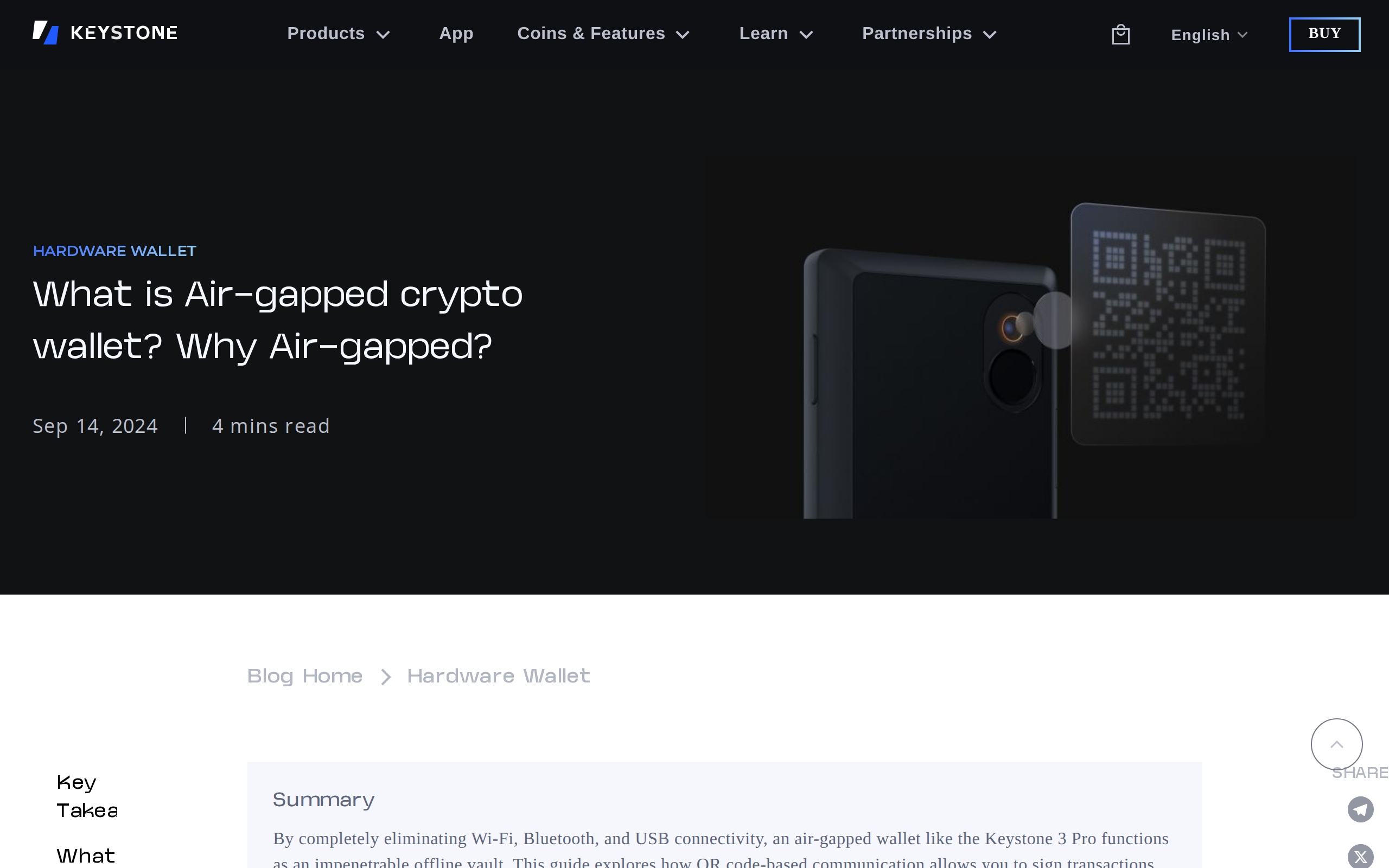
An air-gap shields you from remote attacks on the signing device. It does not protect you from approving a bad transaction, and it does not fix a phone wallet that shows you something false. Check the screen on the Keystone, not the one on your phone.
Support and day-to-day ownership
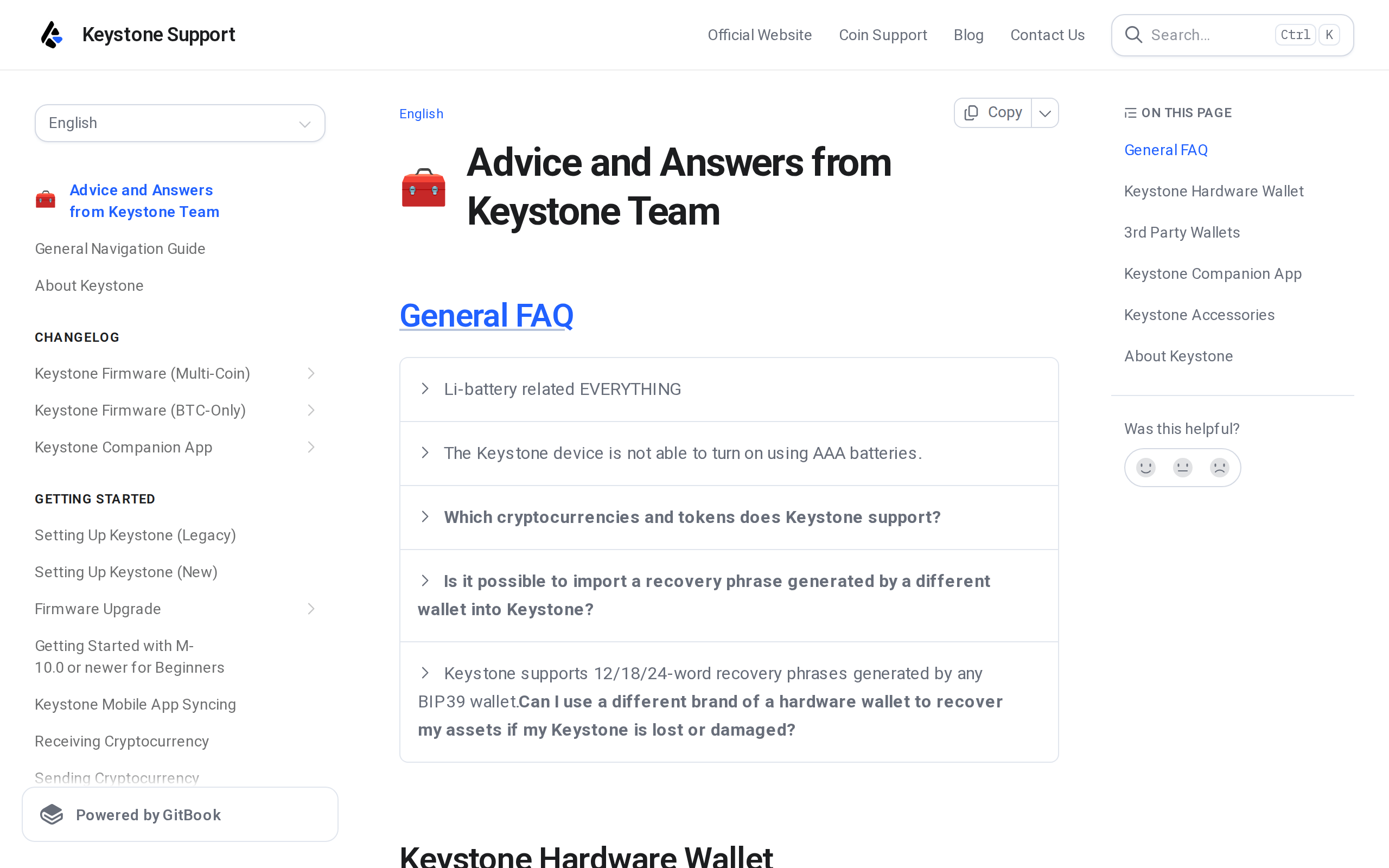
The support site hosts a changelog for the multi-coin firmware, a BTC-only firmware and the companion app. The $149 box includes six seed sheets and a USB cable, which is generous.
Against a USB or Bluetooth device
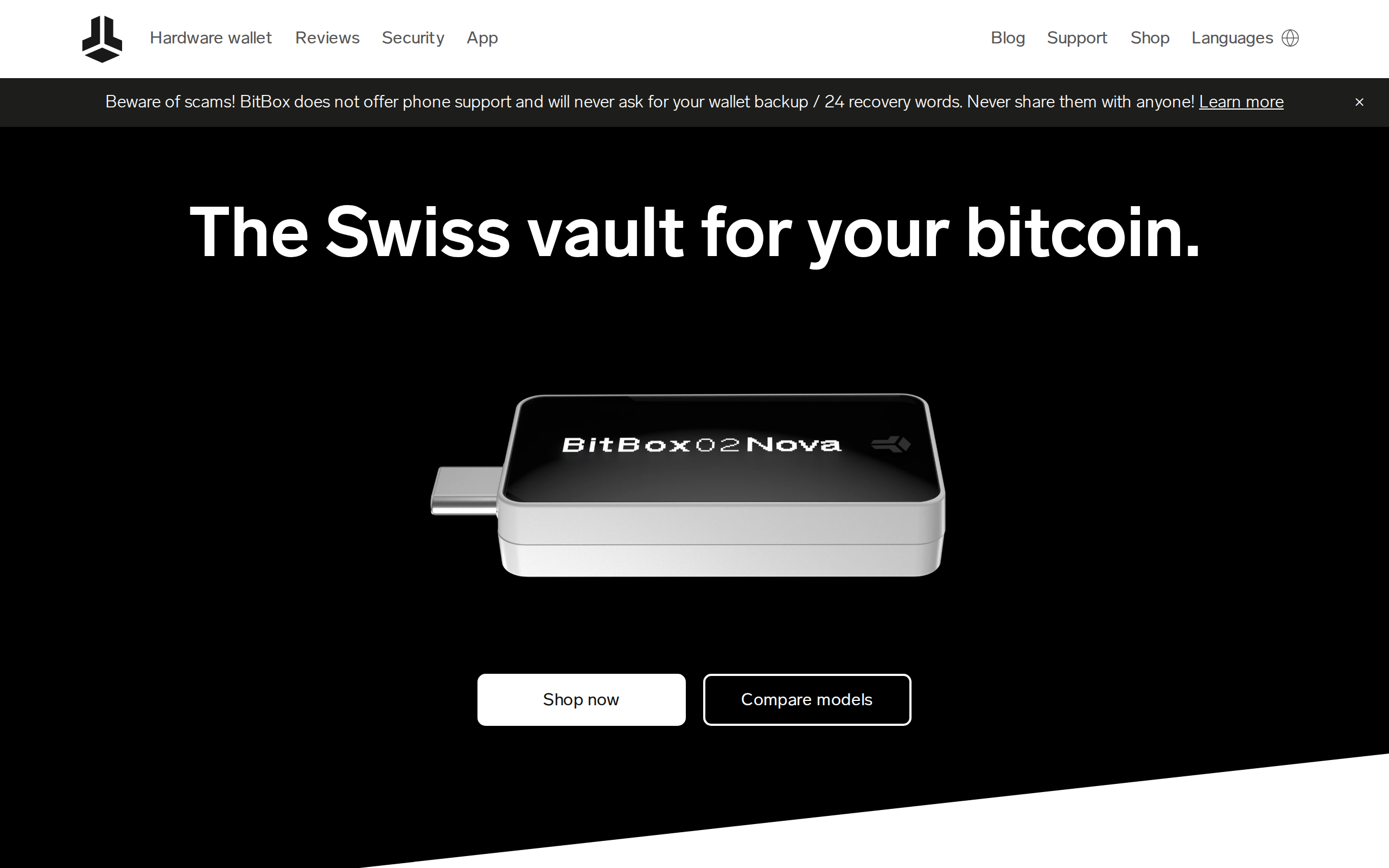
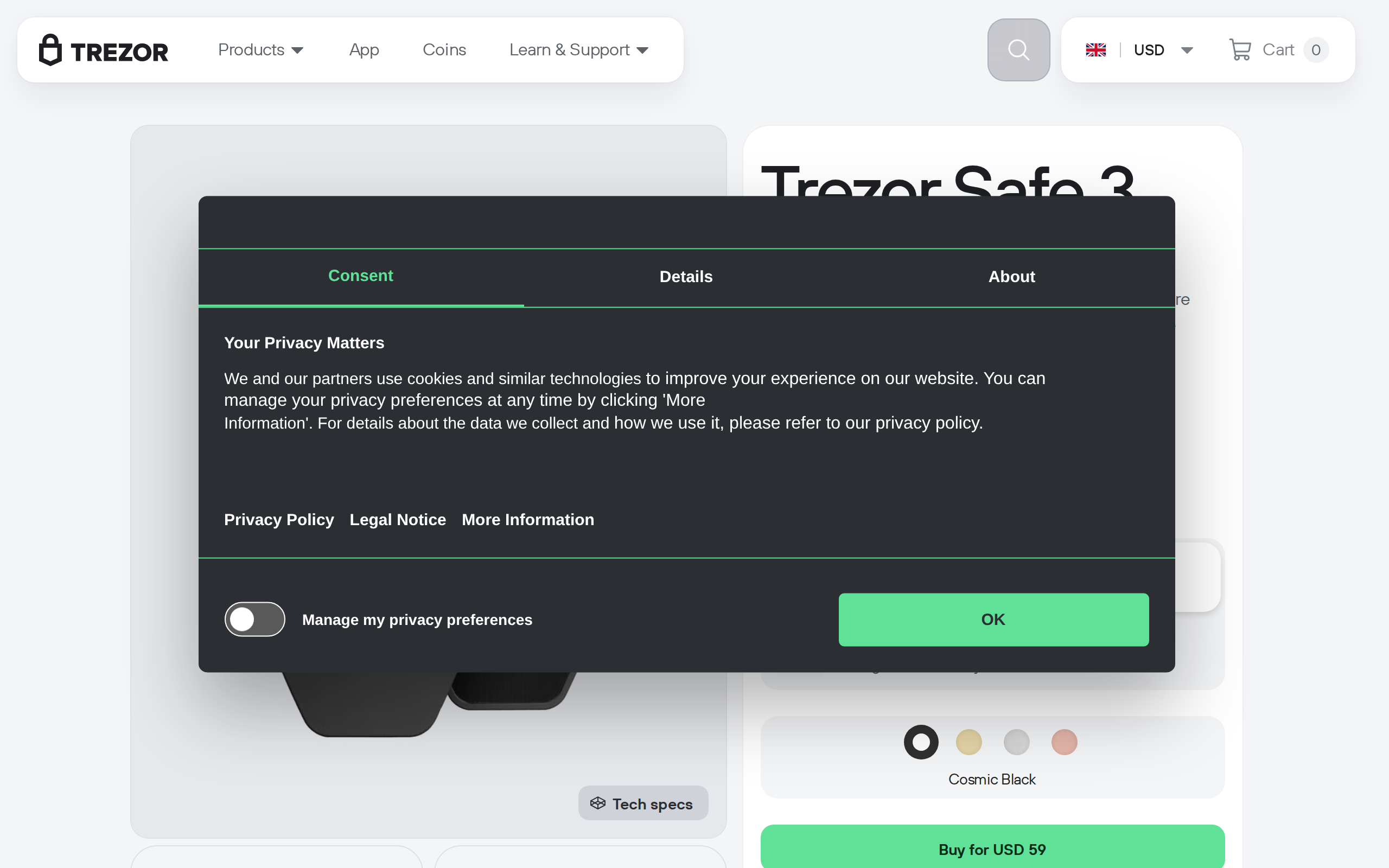
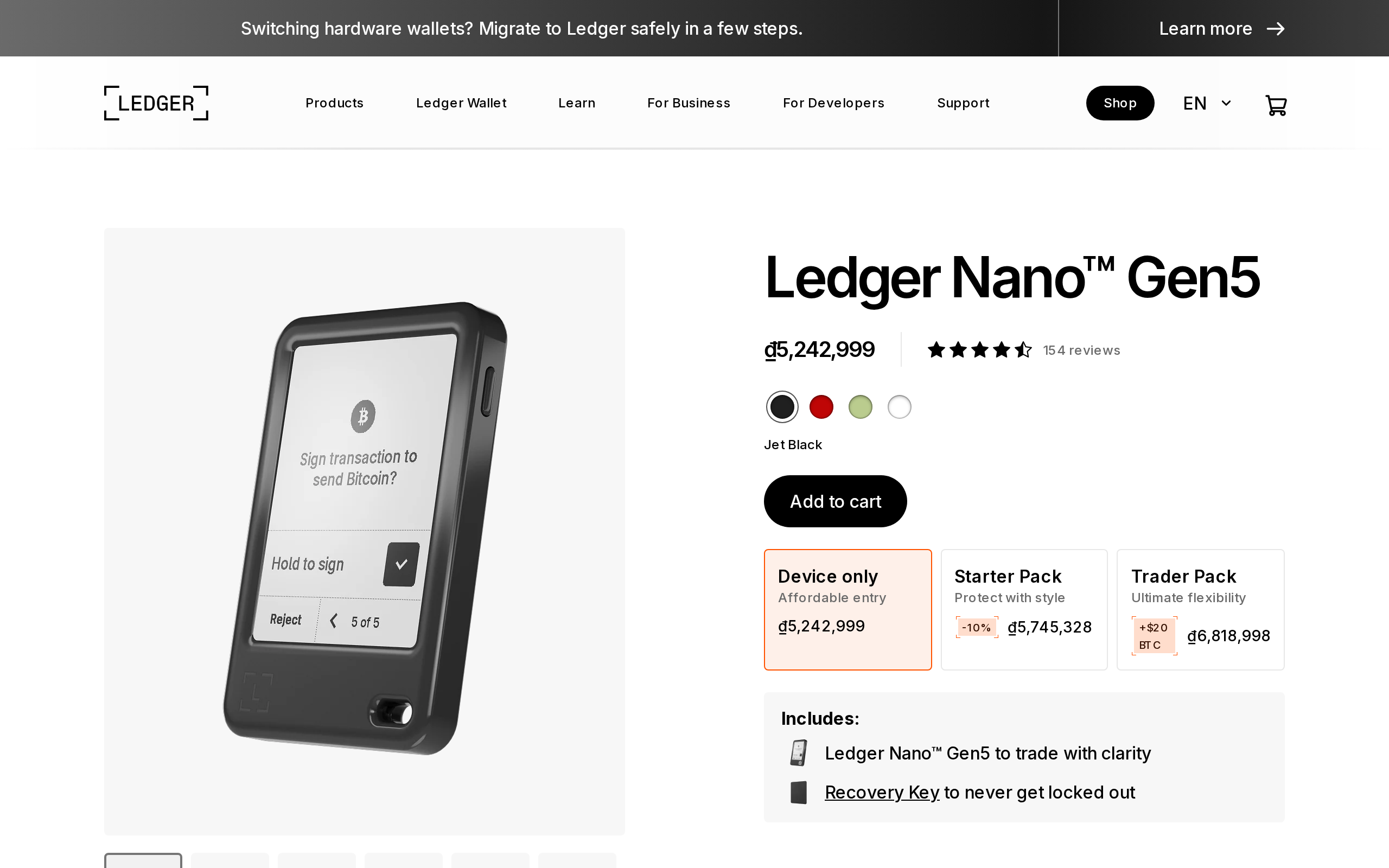
The comparison buyers make is with a Ledger Nano X, which pairs over Bluetooth, or a Trezor Safe 5, which uses USB. Those are quicker, and for small, frequent moves that speed is worth having. The Keystone gives something different: a short list of things that can go wrong from a distance, and a screen big enough to read an address properly.
Battery is the other trade-off. A device with a screen and camera has to be charged now and then, so keep the cable with the box rather than finding a flat wallet on the day you need it.
Who should buy it
Buy the Keystone 3 Pro if you hold meaningful savings, sign transactions rarely, want no wireless exposure and are prepared to scan twice. At $149 it is fairly priced for the security design on offer.
Look elsewhere if you trade often, want a tiny pocket device, or need a fully reproducible build. For a first wallet, a simpler USB model costs less and is faster. Nothing here is personal financial advice, and a wallet does not protect a phrase you store carelessly.
Specifications
- Price
- $149
- Screen
- 4-inch colour touchscreen
- Security chips
- Three secure elements
- Authentication
- Fingerprint, PIN, optional passphrase
- Signing
- QR code and microSD, air-gapped
- Connectivity
- No Bluetooth or Wi-Fi; USB-C for charging
- Backup
- Shamir backup, multiple seed phrases
- Coverage
- 5,500+ assets, 45+ software wallets
- Source code
- Open source, with some pre-compiled libraries
- In the box
- Device, manual, six seed sheets, USB cable
As published by Keystone when we tested it.