Crypto.com App Review: Convenient, but the Spread Is the Price of Not Using the Exchange
The Crypto.com app buys crypto in two taps, but the same trade costs more there than on the company's own exchange. We looked at the spread, the card perks and who should move to the Exchange instead.
The verdict
The Crypto.com app is easy to use and wide in scope, with 400+ coins, Earn, a card and a price tracker in one place. It is also the expensive way to trade on Crypto.com: the app prices trades through a spread of roughly 0.5% to 2%, while the Exchange behind the same login charges 0.25% maker and 0.50% taker at the entry tier. Use the app to buy small amounts and for the card. Move anything larger to the Exchange.
Best for Beginners who want one app for buying and spending crypto
Pros
- 400+ coins and a clean buy flow that a first-time user can finish in minutes
- Same account reaches the cheaper Crypto.com Exchange order book
- Visa card, Earn and price alerts sit in one app instead of three
- Security page lists cold storage and a bug bounty, with a clear 2FA setup
Cons
- Spread of roughly 0.5% to 2% is hidden in the quote, not shown as a fee
- Card purchases of crypto can cost up to about 2.99% on top of the spread
- The cheap route (the Exchange) is a separate screen that beginners rarely find
- Rewards and the best card tiers depend on locking CRO, which adds price risk
Crypto.com sells you the same coins twice, at two different prices. One is the app on your phone. The other is the Exchange, reached from the same login. Most reviewers praise the first and forget the second, and that is where the money goes.
Our verdict is simple. The app is a good place to start and a poor place to stay once you trade more than pocket money.
What the app does well
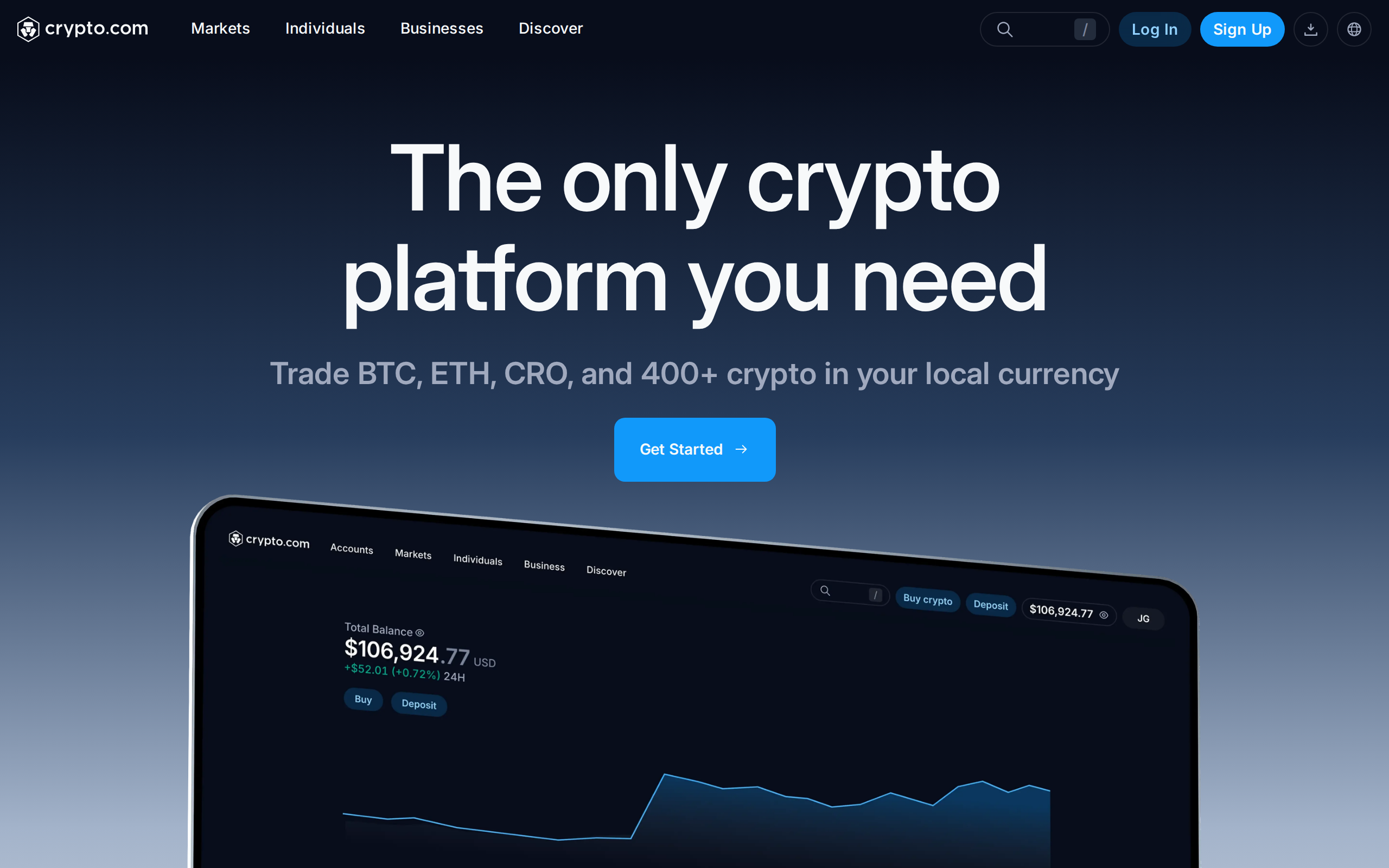
Open the home page and the pitch is one platform for everything: "Trade BTC, ETH, CRO, and 400+ crypto in your local currency". The buy flow is short. Pick a coin, pick an amount, confirm. The flow is built so that a first-time buyer does not need to learn what an order book is.
There is nothing to configure before a first trade, and that is deliberate. Advanced order types, margin and derivatives are tucked behind the Exchange, so the app never feels crowded. For a newcomer that restraint is a feature; for someone who knows what a limit order is, it is the reason to leave.
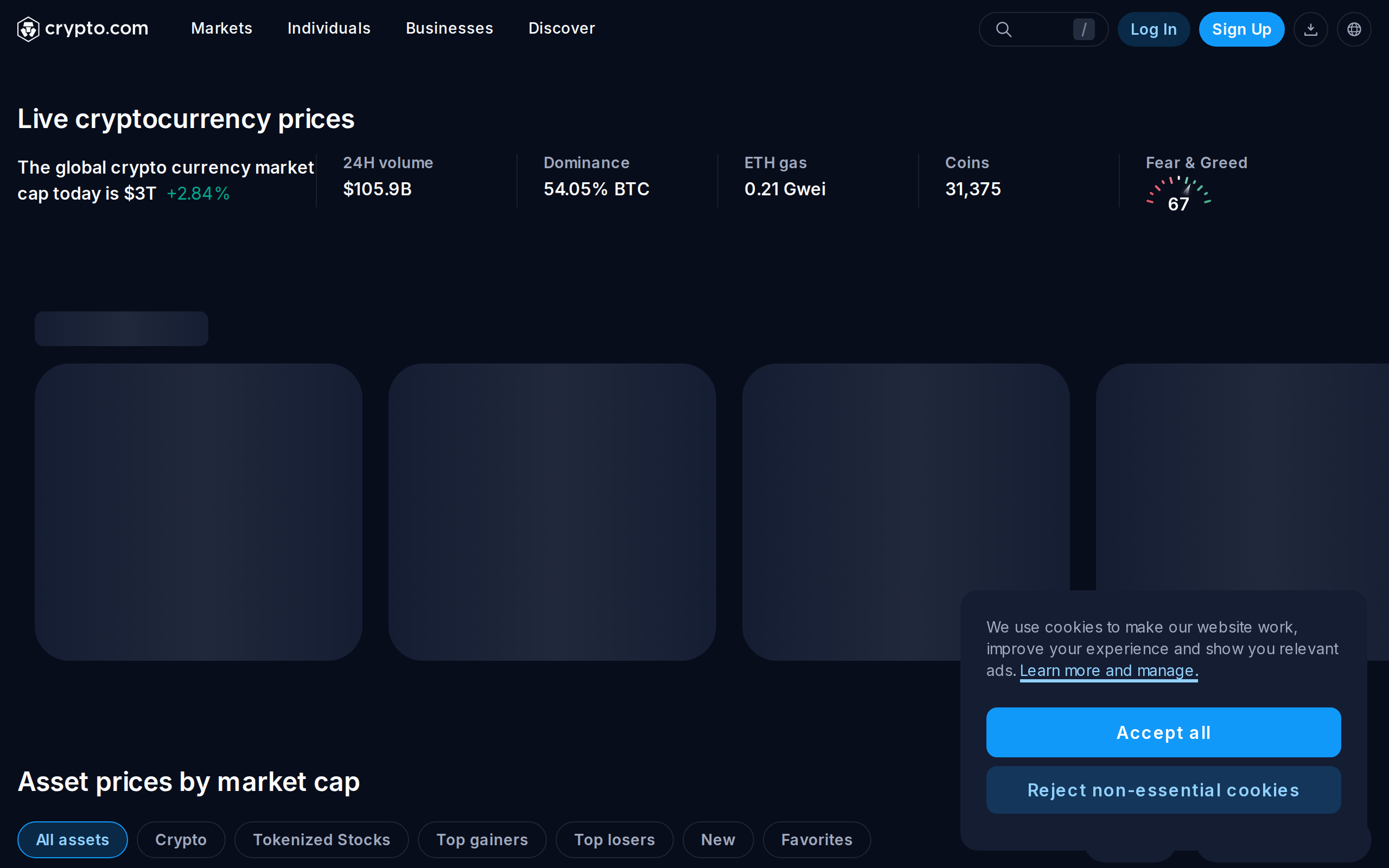
The wider app is genuinely broad. Prices, charts and alerts live on the price page and inside the app, so you do not need a second tracker.
Where the money leaks: the spread
The app does not show a fee line the way a trading screen does. It quotes a price that already contains its margin. GoBankingRates puts that spread at roughly 0.5% to 2%+, depending on the market. Paying with a debit or credit card can add up to about 2.99%.
Compare that with the Exchange. The same source lists the entry tier at 0.25% maker and 0.50% taker, and the rate falls as 30-day volume rises. A rival exchange ran a worked example, a $1,000 buy costing about $8 in the app and $5 on the Exchange. Treat that source with care, because it sells against Crypto.com, but the direction matches the published schedules.
On a $50 purchase the gap is pennies. On $5,000 a month it is a real cost, repeated every month.
The app is priced for convenience. If you never open the Exchange tab, you are paying for a service you do not need.
We would not call the spread a trick, because Crypto.com is not hiding that the app is simpler. But a beginner has no way to see the number before pressing confirm, and that is the weakness.
The card and Earn: useful, with strings
The Visa card page advertises "up to 5% back" on daily spending. Reaching the higher tiers means staking CRO, the exchange's own token, for months. That turns a rewards plan into a price bet on one coin. Our separate card review covers the maths.
Crypto Earn pays interest on deposited coins. Rates change and are not guaranteed, and your coins sit with a custodian while they earn. Read the terms for each coin before you lock anything.
Security and custody
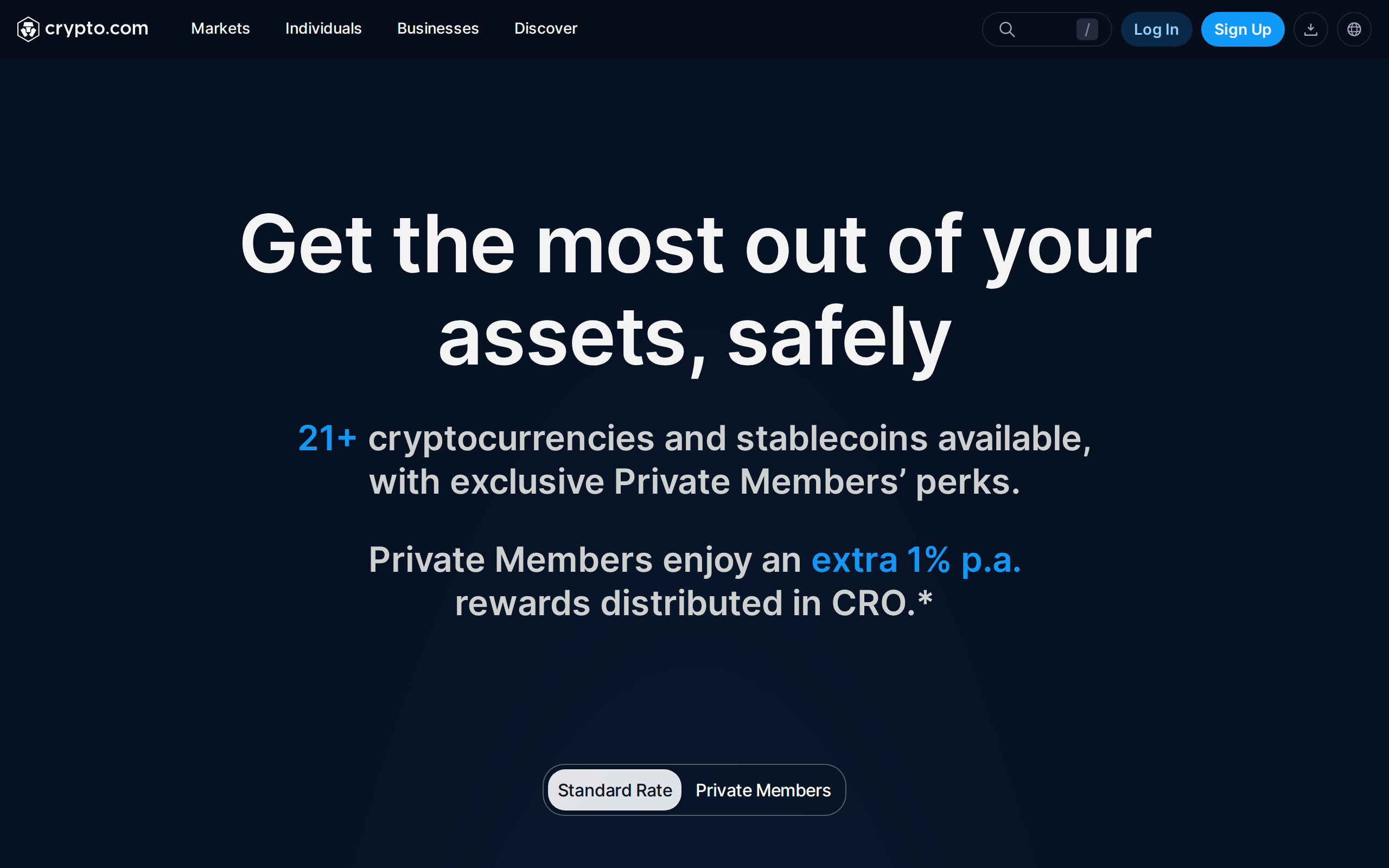
Crypto.com's security page leads with "Security First, Always" and covers two-factor login, cold storage and independent audits.
The key point is custody. Coins in the app belong to Crypto.com's ledger, not to a wallet you control. Withdrawals work, and the company offers a separate self-custody DeFi Wallet, but the main app is custodial. If the company fails or freezes accounts, you are a creditor. That is true of any exchange app, and it is why we would not leave large balances there.
A cheaper habit, step by step
Nothing here needs special skill. Keep the app for spending and alerts, then do the buying in a different place on the same account.
Fund the account once, ideally by bank transfer, since card purchases carry the highest charge.
Open the Exchange view and place a limit order instead of tapping buy at the quoted price.
Compare the filled price with the app's quote on a small test order before you scale up.
Move the coins back to the app only when you need them for the card or Earn.
The exercise costs a few minutes and shows you the real size of the gap on your own trades, which no published figure can.
Who should use it
Use the app if you are new, buying small amounts, and want a card and a tracker in one place.
Use the Exchange screen if you trade more than a few hundred dollars at a time. Limit orders at 0.25% maker beat any in-app spread.
Skip it if you plan to hold long term in self-custody. A hardware wallet and a cheap exchange cost less.
Verdict
A competent, broad app with a built-in tax on laziness. We rate it 6.6: good for starting out, expensive for staying, and clearly improved by one habit, which is using the Exchange for anything that matters. This is a review, not advice on what you should buy.
Specifications
- App price
- Free to download; costs sit in the spread
- In-app spread
- Roughly 0.5% to 2%+, varies by market (third-party estimate)
- Card top-up of crypto
- Up to about 2.99% (third-party estimate)
- Exchange fees, entry tier
- 0.25% maker, 0.50% taker
- Coins listed
- 400+ per Crypto.com's home page
- Platforms
- iOS, Android, web
- Custody
- Custodial; self-custody sits in a separate DeFi Wallet
- Extras
- Visa card, Earn, price tracker, Exchange access
As published by Crypto.com when we tested it.